Our Ultrasound Course Offerings

All
EzVolume™
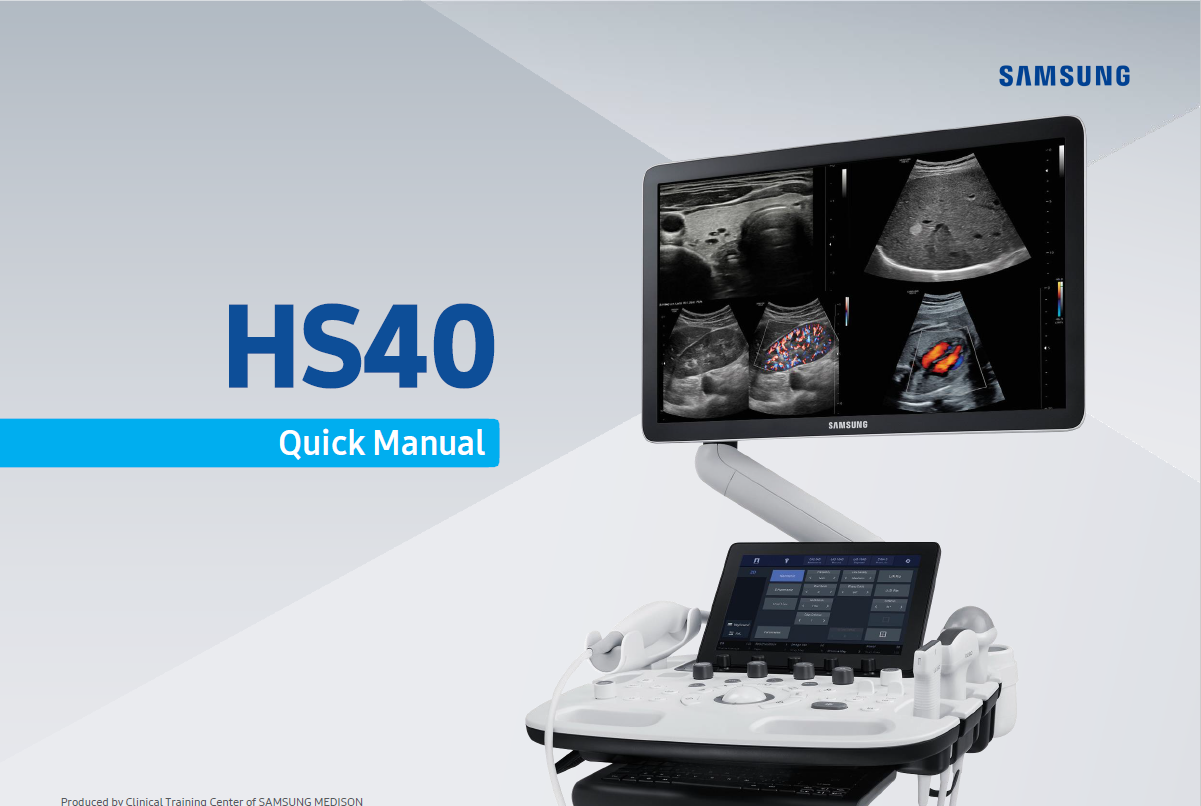
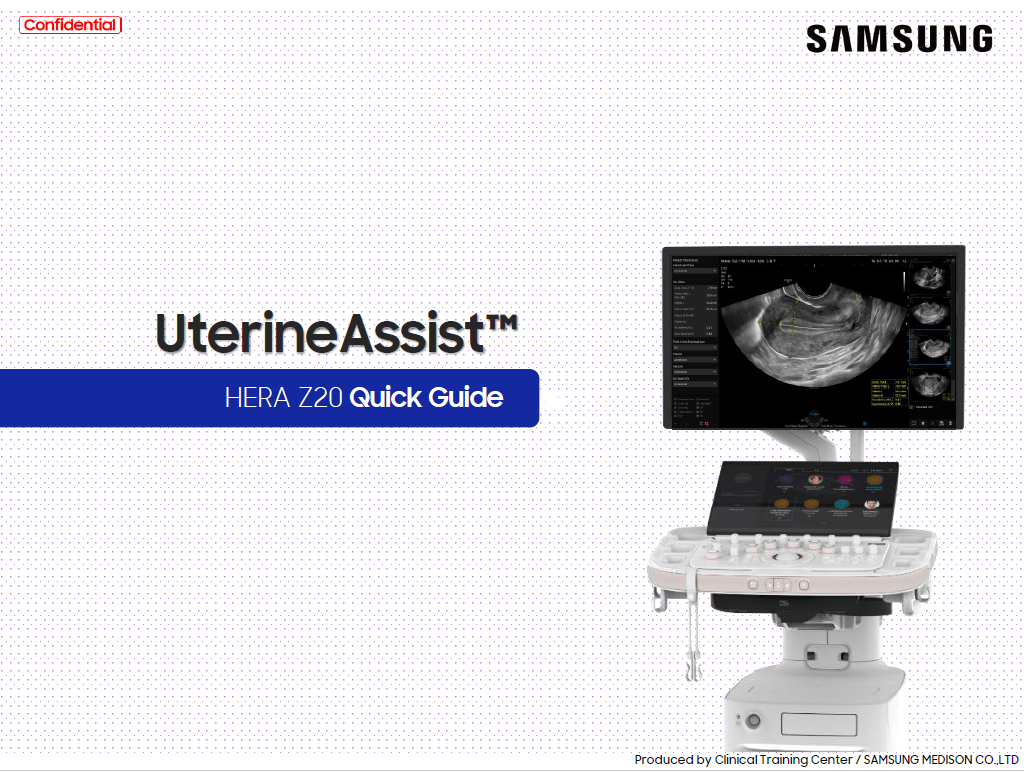
HERA Z20
Liver Solution
PortraitVue™
Prof. Basky on HERA Z20
RS85 Prestige
V8

Filters

Content Type
Show more Show less
Application
Show more Show less
Products & Solutions
Show more Show less
Features
Show more Show less
Availablity
Show more Show less

Sort

Moving beyond the traditional approach to advance Intestinal Ultrasound

By

Prof. Giovanni Maconi

Application

Intestinal Ultrasound (IUS)

Products & Solutions

R20 V8

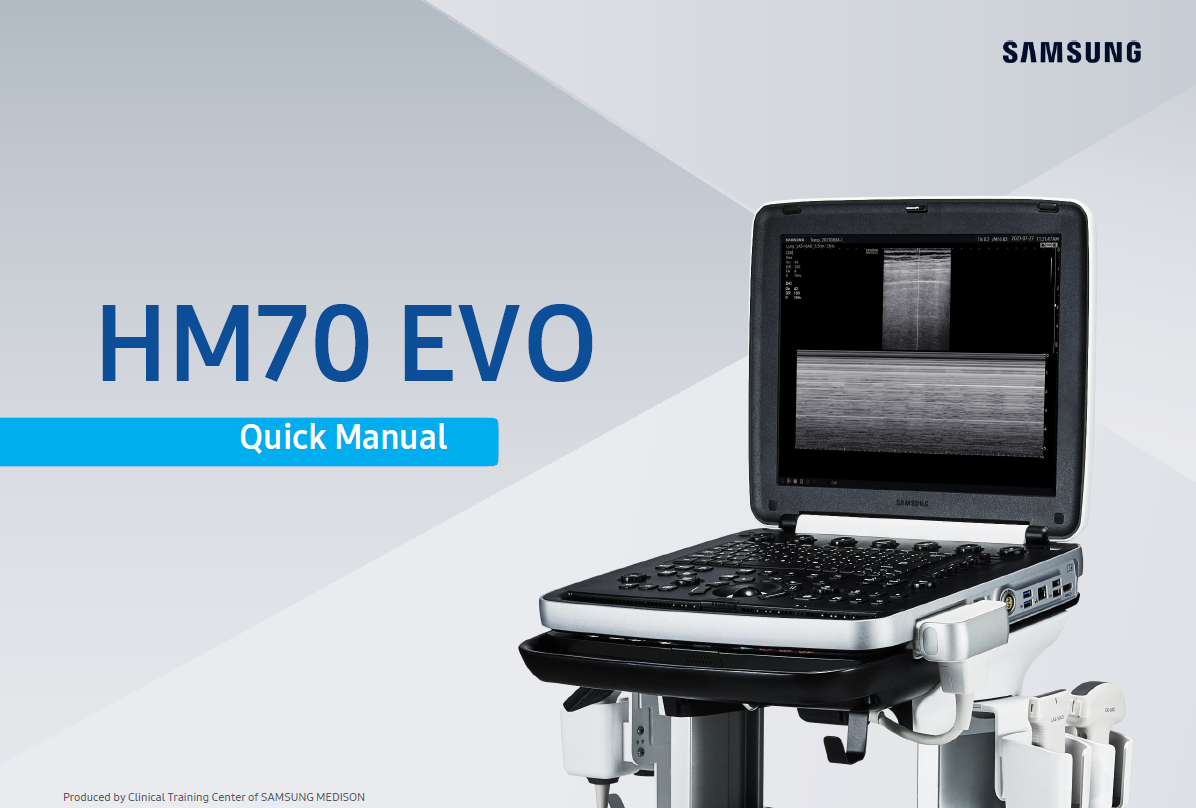
FAQ – Check Connection Status ②_Status Information Area, Setup

By

Samsung

Application

All Cardiovascular Show More

Products & Solutions

cV6 cV7 Show More

FAQ – Check Connection Status ①_LAN port and cable

By

Samsung

Application

All Cardiovascular Show More

Products & Solutions

cV5

Quick guide to S-Detect™ for Thyroid

By

Samsung

Application

General Imaging Intestinal Ultrasound (IUS)

Products & Solutions

R20

Quick guide to S-Detect™ for Breast

By

Samsung

Application

General Imaging Intestinal Ultrasound (IUS)

Products & Solutions

R20

Role of intestinal ultrasound (IUS) for Inflammatory Bowel Diseases (IBD) Management

By

Prof. Filiz Akyüz

Application

Intestinal Ultrasound (IUS)

Products & Solutions

V8

How to Make Automatic Kidney Measurement

By

Samsung

Application

All General Imaging Show More

Products & Solutions

R20

How to Link Fine Tune Steer Between Color and PW Modes

By

Samsung

Application

All General Imaging Show More

Products & Solutions

R20

System Configuration – System AE Title, Port No.

By

Samsung

Application

All Cardiovascular Show More

Products & Solutions

cV5

FAQ – Check connection status 2 – Status information area, setup

By

Samsung

Application

All General Imaging Show More

Products & Solutions

R20

DICOM Configuration – Structured Report

By

Samsung

Application

All Cardiovascular Show More

Products & Solutions

cV6 cV7 Show More

FAQ – (Storage) Transfer mode – Send on end exam

By

Samsung

Application

All General Imaging Show More

Products & Solutions

R20

FAQ – (Storage) Configuring selective PACS transmission for user keys

By

Samsung

Application

All General Imaging Show More

Products & Solutions

R20

FAQ – Setting up Patient registration screen

By

Samsung

Application

All Cardiovascular Show More

Products & Solutions

cV6 cV7 Show More

FAQ – DICOM Compression (Cine ①)

By

Samsung

Application

All Cardiovascular Show More

Products & Solutions

cV6 cV7 Show More

DICOM Service Management – Service Item Activation

By

Samsung

Application

All Cardiovascular Show More

Products & Solutions

cV5

FAQ – Unable to send Cine image

By

Samsung

Application

All Cardiovascular Show More

Products & Solutions

cV6 cV7 Show More

FAQ – Unable to Send via DICOM

By

Samsung

Application

All Cardiovascular Show More

Products & Solutions

cV5
View more
1 26 27 28 29 30 31 32 33 34 35 36 41

What are you looking for?

Access Restricted

Due to multiple failed login attempts,
your IP has been temporarily blocked.
Please try again in 30 minutes.

Update Your Profile

Complete your profile now to ensure uninterrupted, secure access to theSUITE.

Enter your Serial Number

Access various content with simple product registration.

Registration unavailable

Sorry, we can not verify your serial number.
Please use a correct serial number.

Product Registered!

Your product has been successfully registered!

Done
Logout Check Icon
You Successfully log out!
Thank you for visiting theSUITE.
Can not Access

You are already signed in

Cannot sign in

Please enter your email address and password correctly