Log Out
Filters
Sort
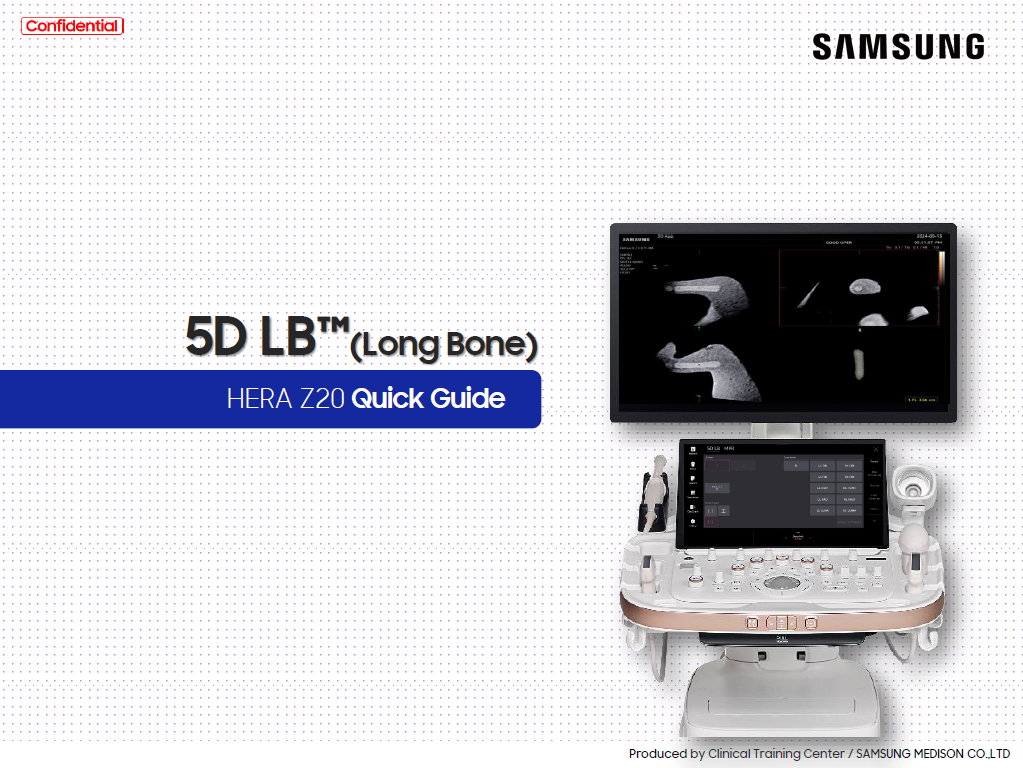
Quick guide to 5D LB™
By
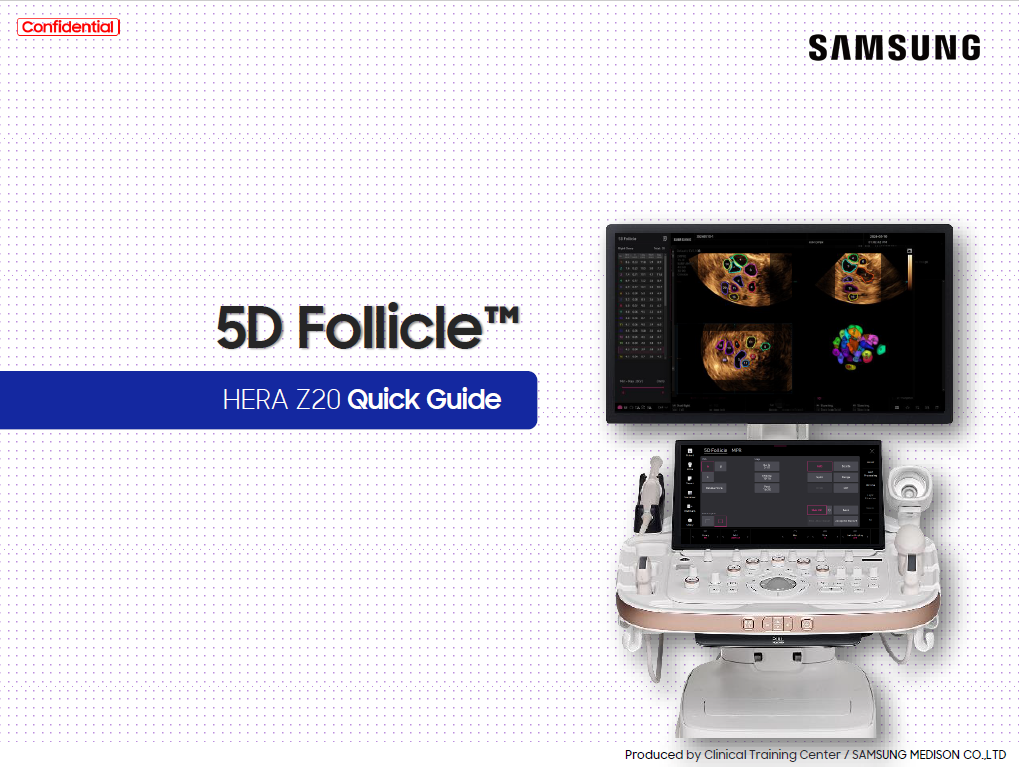
Quick Guide
Application
Products & Solutions
Quick guide to 5D Follicle™
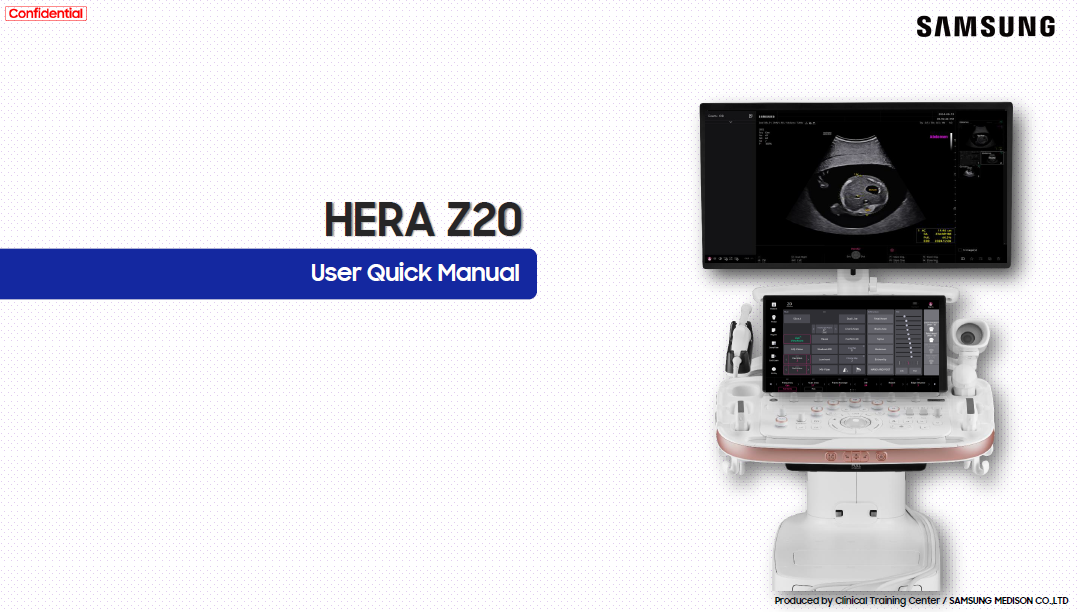
HERA Z20 quick start manual
Quick Manual
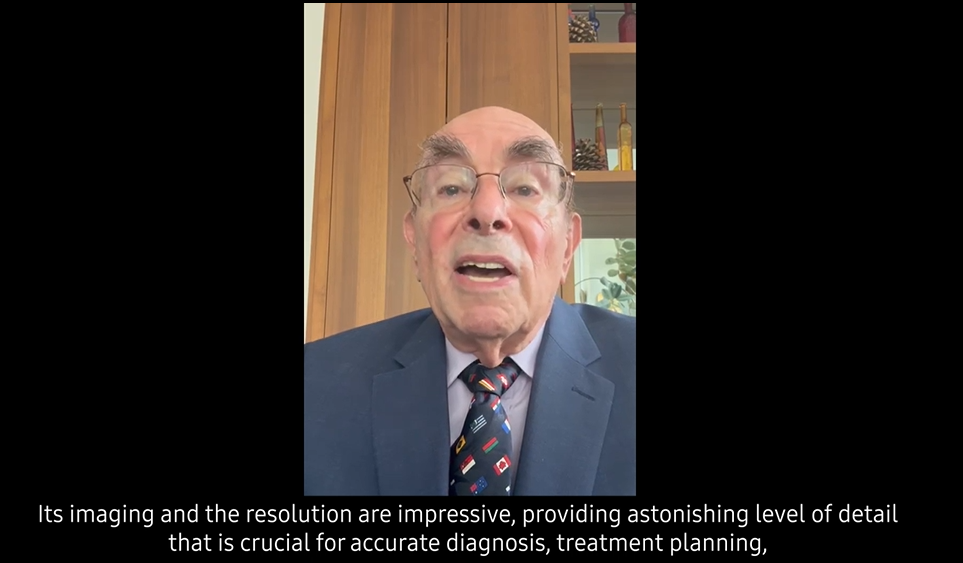
Dr. Ilan Timor-Tritsch on the HERA Z20
Customer Testimonial
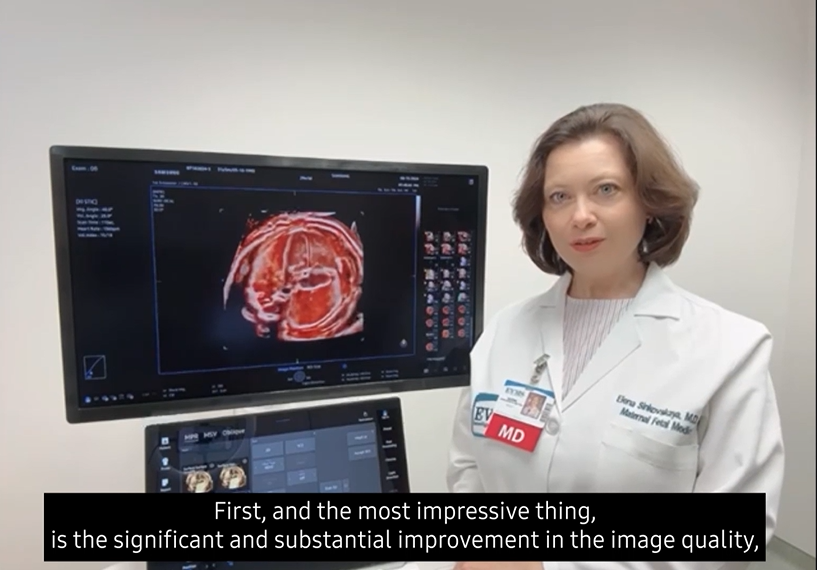
Dr. Elena Sinkovskaya on HERA Z20
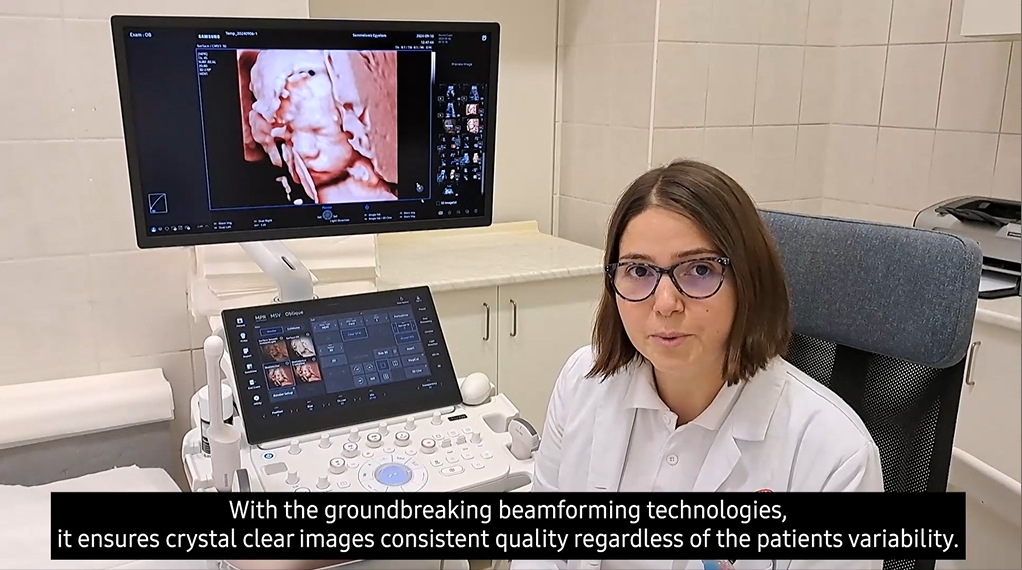
Dr. Zsófia Benkő on HERA Z20
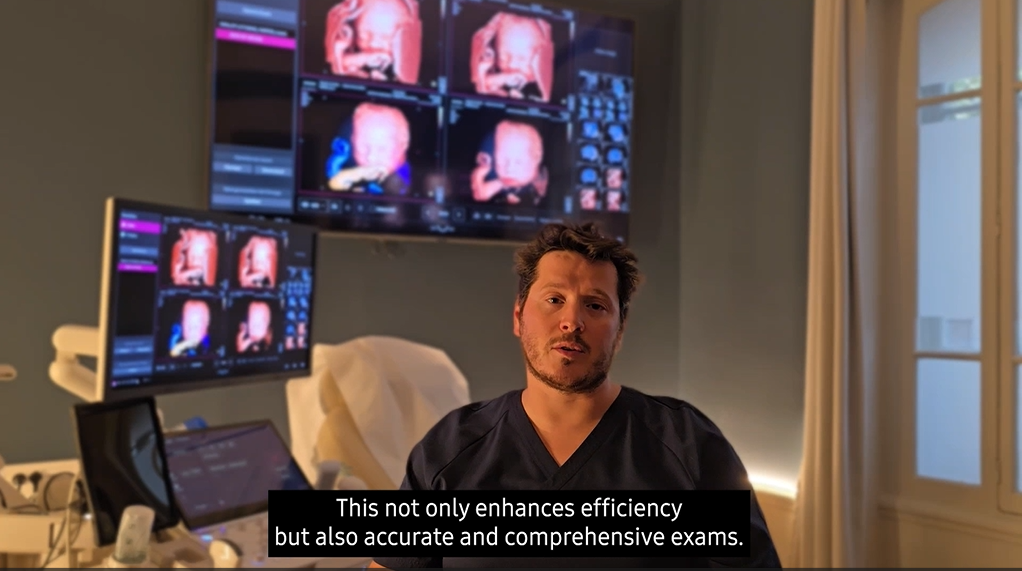
Dr. Joseph Bouyou on the HERA Z20
Dr. Pierre Antoine Migeon on HERA Z20
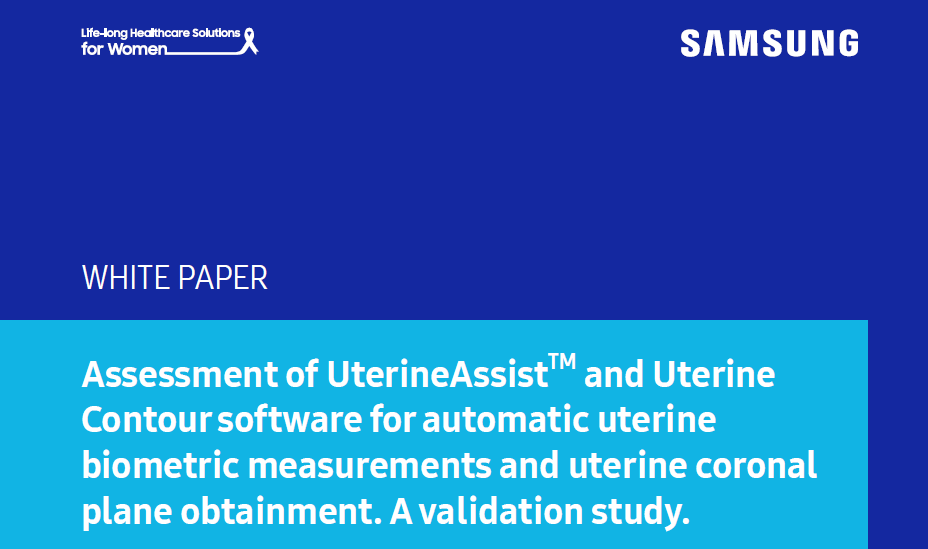
Assessment of UterineAssist™ and UterineContour™ software for automatic uterine biometric measurement and uterine coronal plane obtainment. A validation study.
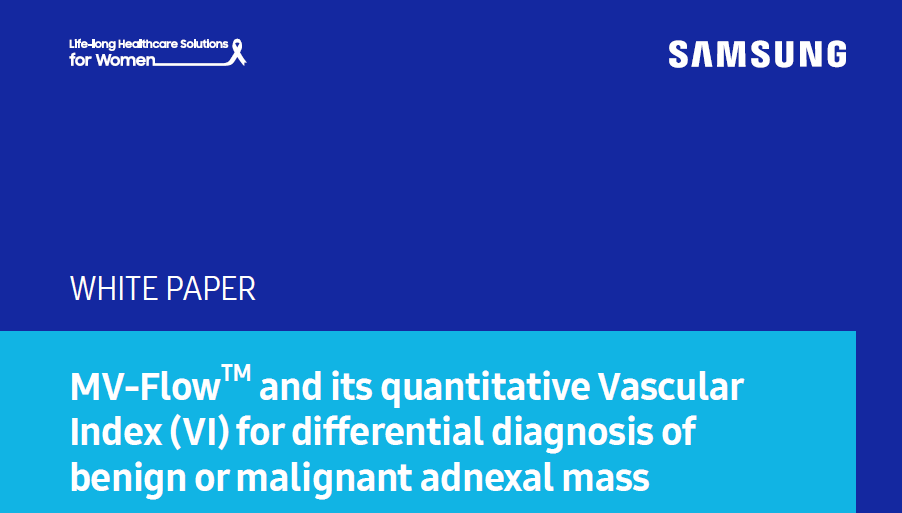
White Paper
MV-Flow™ and its quantitative VascularIndex (VI) for differential diagnosis of benign or malignant adnexal mass
ISUOG 2024 – Satellite Symposium
Expert insights
Intestinal Ultrasound (IUS) in IBD monitoring, treatment response and Samsung bowel report
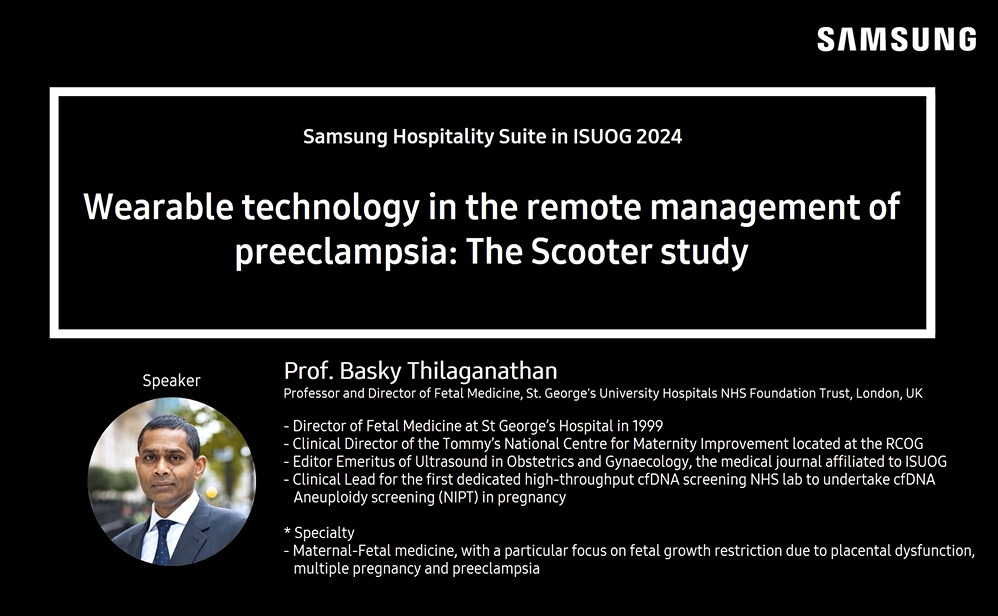
ISUOG 2024 – Wearable technology in the remote management of preeclampsia: The scooter study
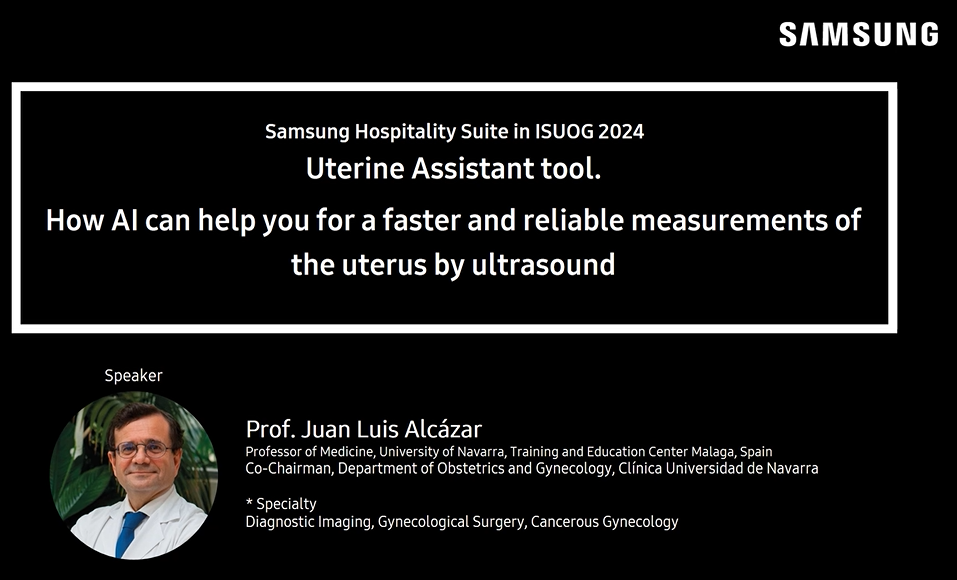
ISUOG 2024 – How AI can help you for a faster and reliable measurements of the uterus by ultrasound
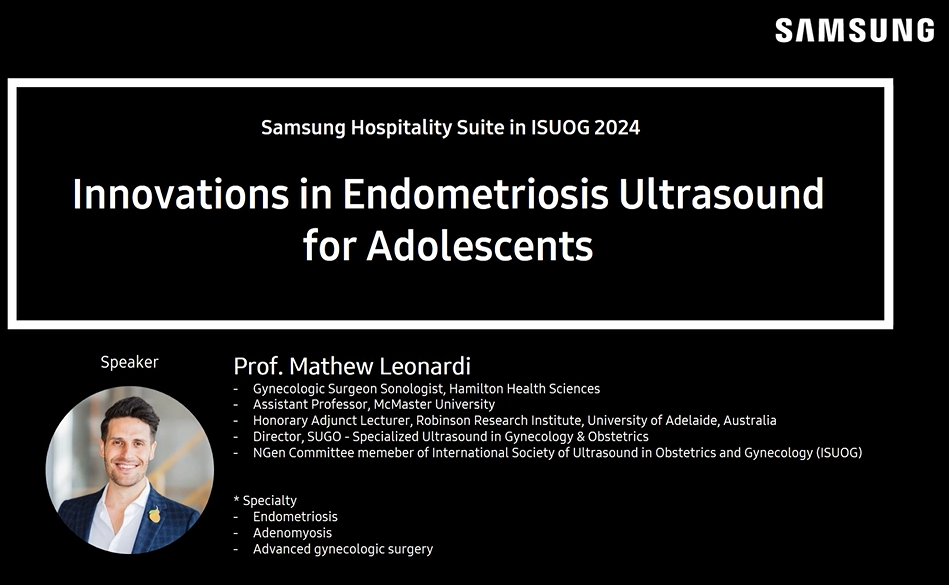
ISUOG 2024 – Innovations in endometriosis ultrasound for adolescents
ISUOG 2024 – Maternal cardiac hemodynamic monitoring with Samsung’s AI solution
ISUOG 2024 – Performance and impact of AI in improving exhaustiveness and accuracy of fetal ultrasound exams
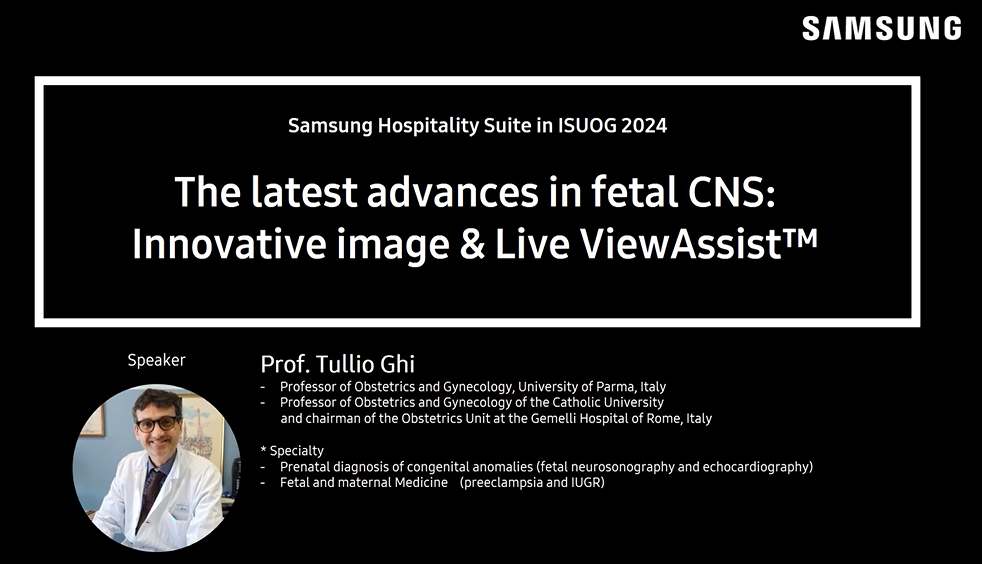
ISUOG 2024 – The latest advances in fetal CNS: Innovative image & Live ViewAssist™
We're Sorry. Your search didn't return any results.
Please check the spelling and try your search again.
Due to multiple failed login attempts, your IP has been temporarily blocked. Please try again in 30 minutes.
Complete your profile now to ensure uninterrupted, secure access to theSUITE.
Check and accept our Terms of Use and Privacy Policy.
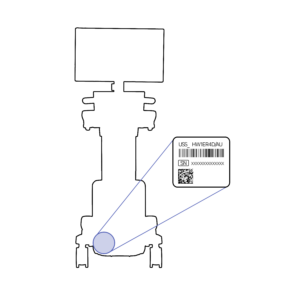
How to find Serial Number
Sorry, we can not verify your serial number. Please use a correct serial number.
Your product has been successfully registered!
You are already signed in
Please enter your email address and password correctly



 Show more
 Show less