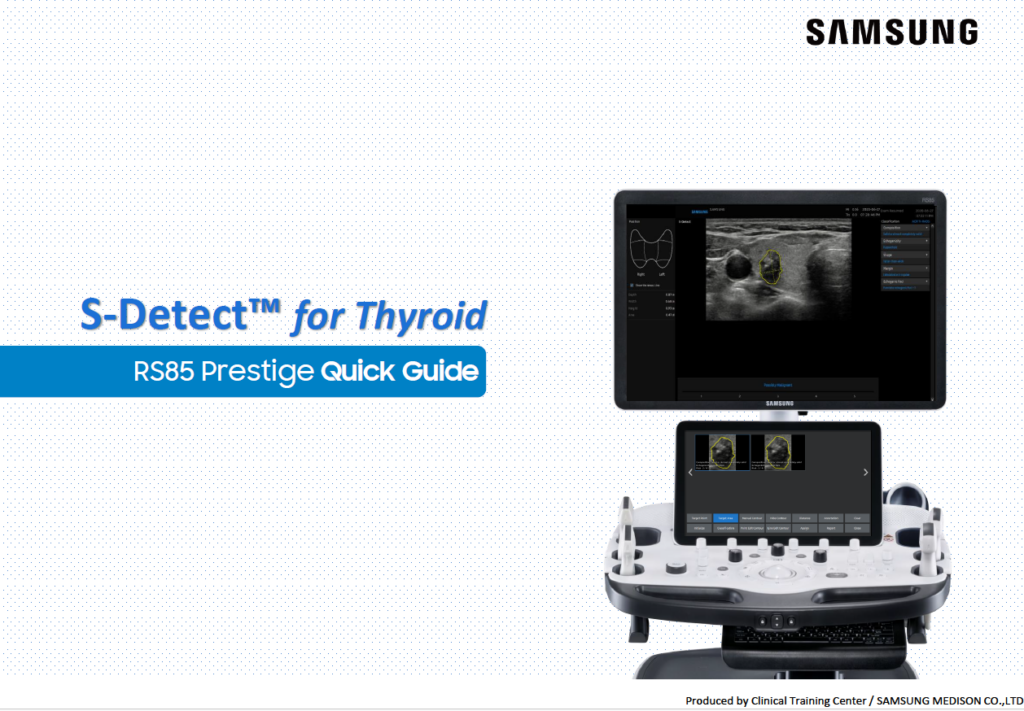
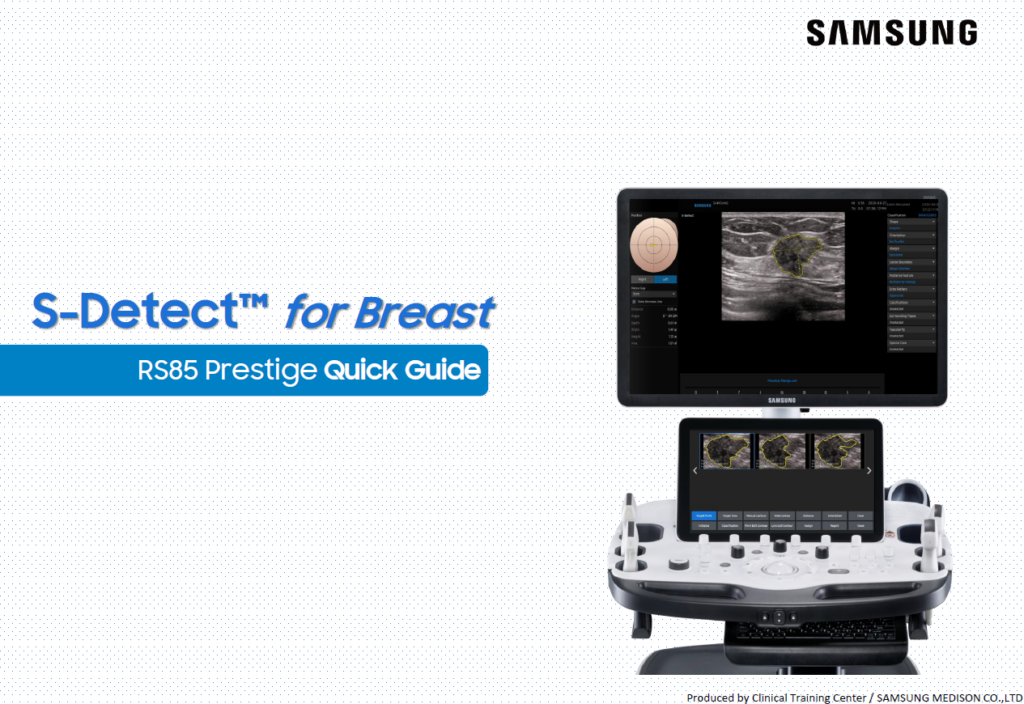
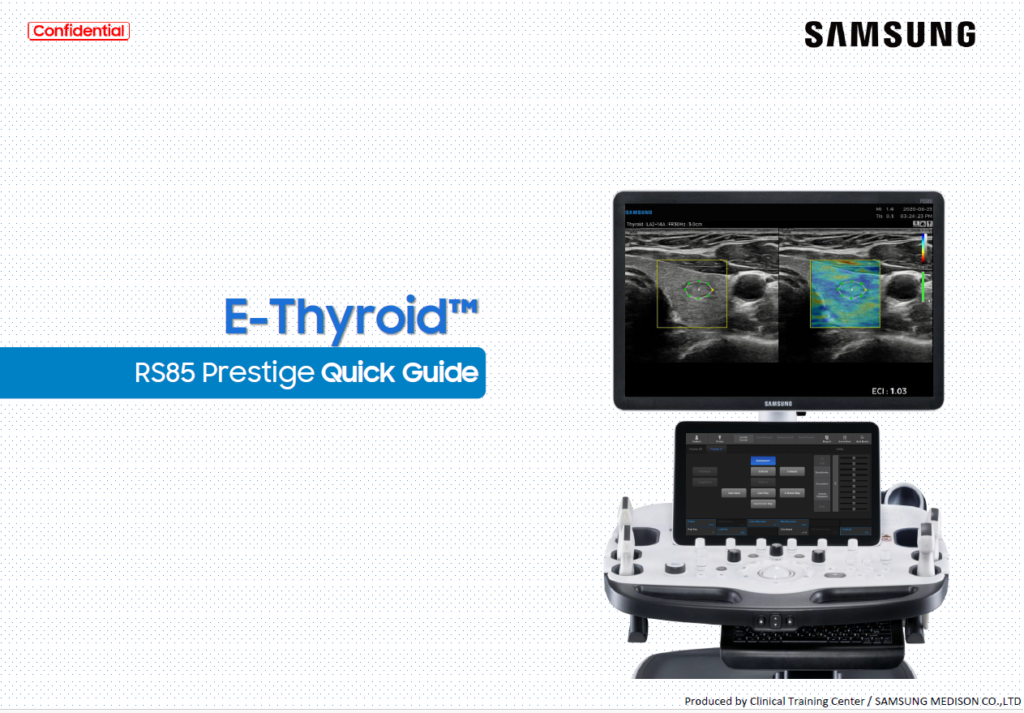
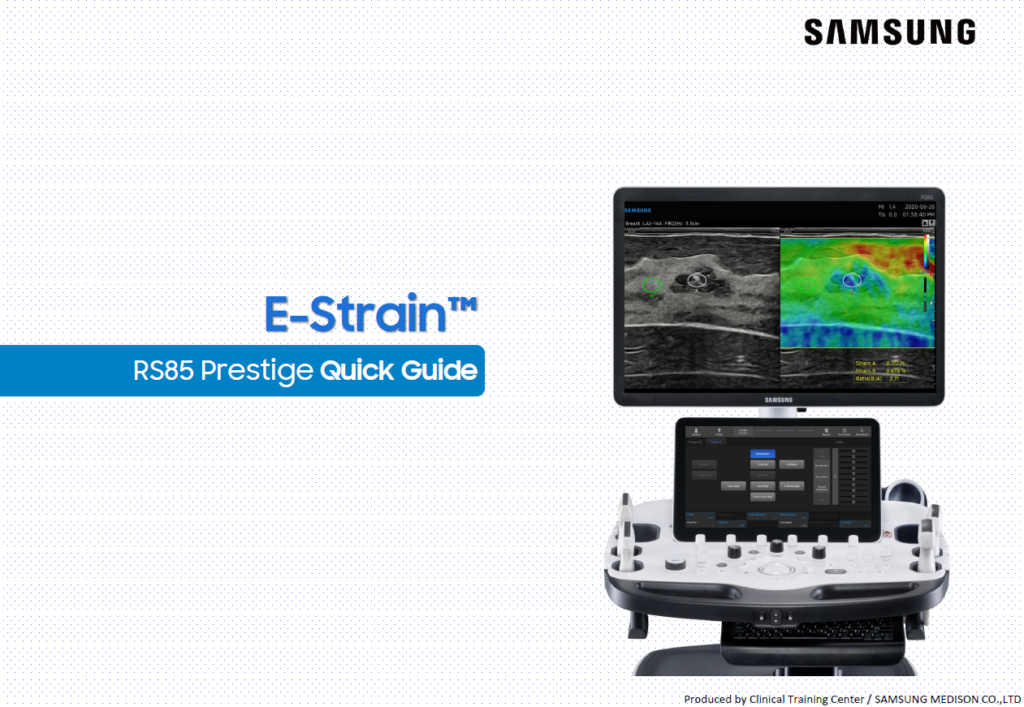
Our Ultrasound Course Offerings

All
EzVolume™
HERA Z20
Liver Solution
PortraitVue™
Prof. Basky on HERA Z20
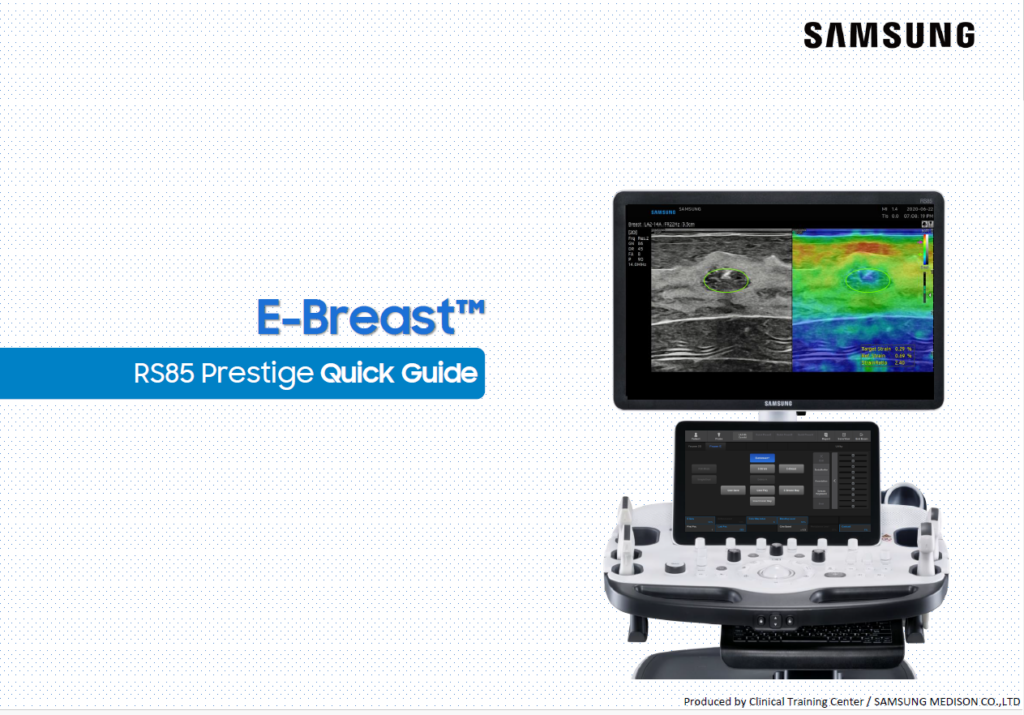
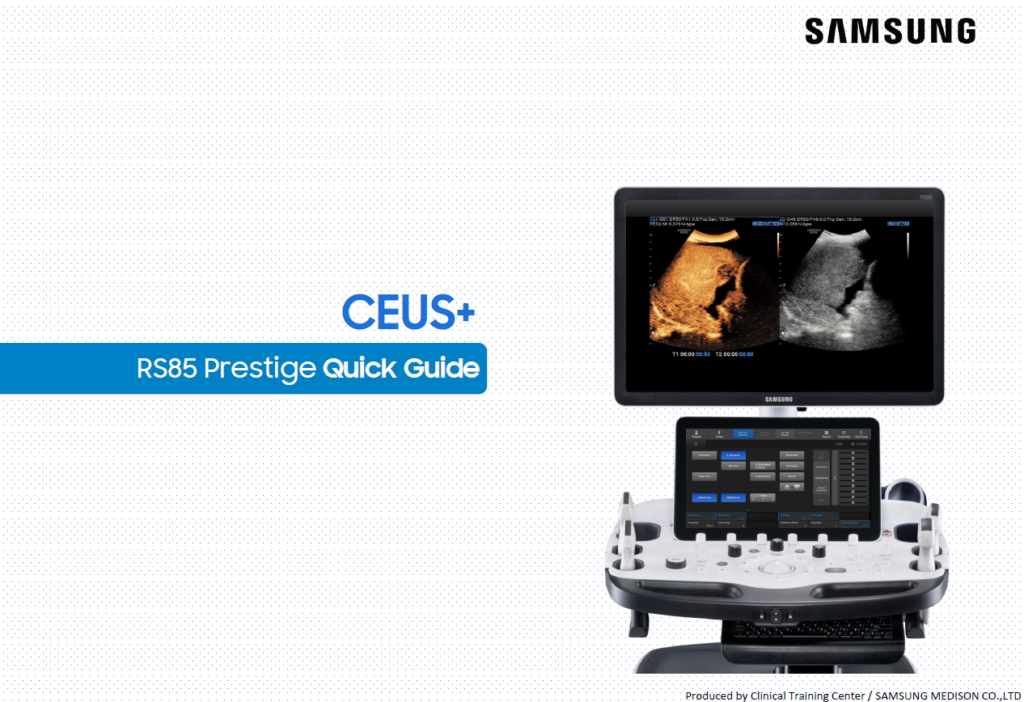
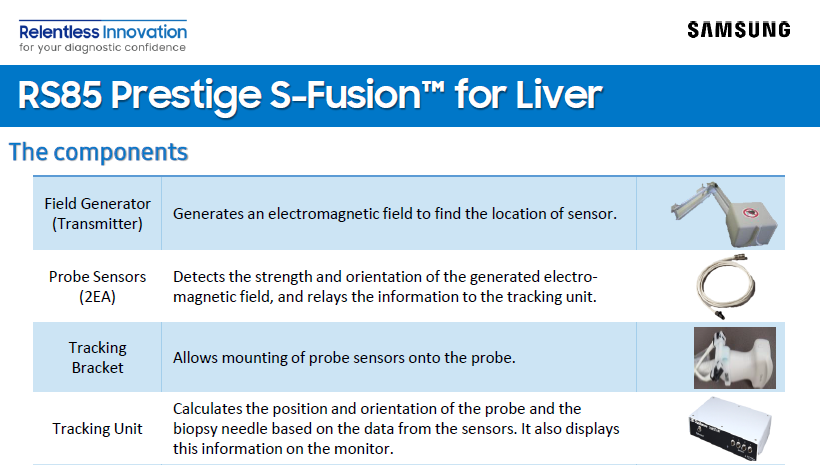
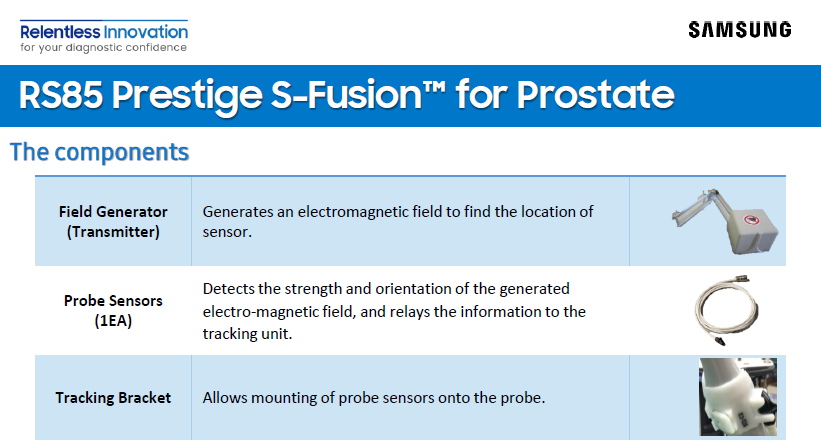
RS85 Prestige
V8

Filters

Content Type
Show more Show less
Application
Show more Show less
Products & Solutions
Show more Show less
Features
Show more Show less
Availablity
Show more Show less

Sort

How to Assign CINE Function to Trackball in Measurement Mode

By

Samsung

Application

All General Imaging Show More

Products & Solutions

R20

How to Enable Auto-Display Function for On-Screen Keyboard

By

Samsung

Application

All General Imaging Show More

Products & Solutions

R20

How to Turn On, Off Keypress Sound

By

Samsung

Application

All General Imaging Show More

Products & Solutions

R20

Ultrasound and MV-CEUS™ (Microvascular Contrast-Enhanced Ultrasound) in liver diagnostics

By

Dirk-André Clevert, MD, PhD

Application

General Imaging

Products & Solutions

R20

How to Configure the Default Annotation Library

By

Samsung

Application

All General Imaging Show More

Products & Solutions

R20

How to Adjust Color and PW Steer Separately

By

Samsung

Application

All General Imaging Show More

Products & Solutions

R20

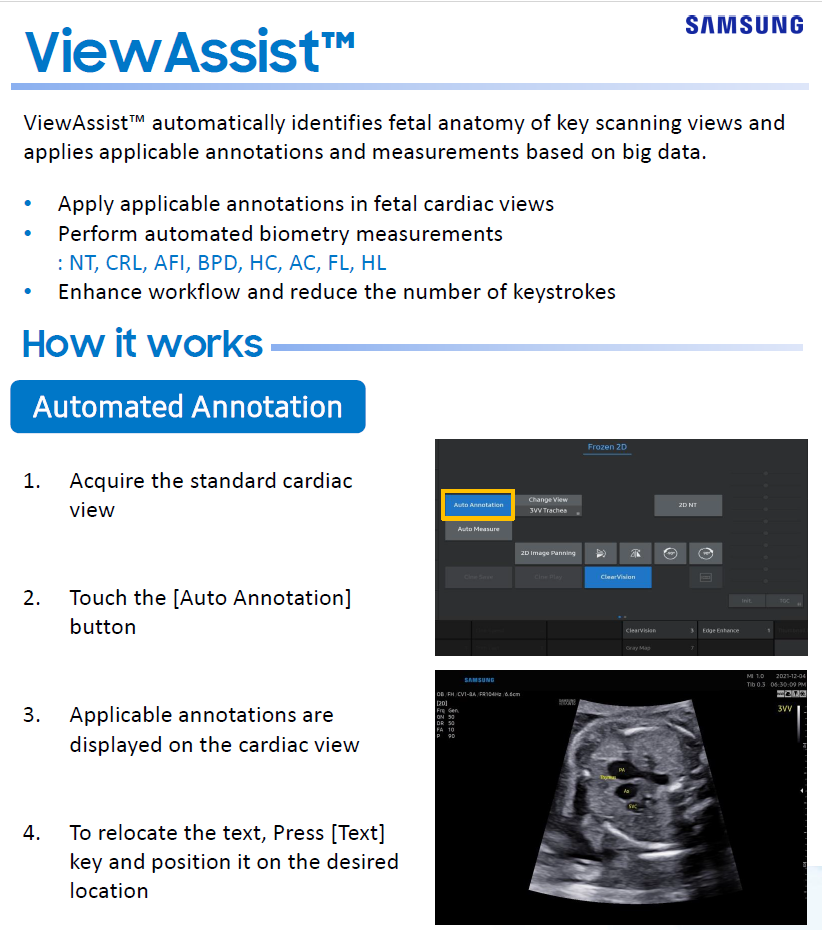
How to Enable ViewAssist™ for Auto Measure and Annotation in OB Scans

By

Samsung

Application

All General Imaging Show More

Products & Solutions

R20

How to Set Up Auto Delete for Storage Management

By

Samsung

Application

All General Imaging Show More

Products & Solutions

R20

Why Can’t I Use Continue Exam

By

Samsung

Application

All General Imaging Show More

Products & Solutions

R20

Image transmission when using a Temporary ID

By

Samsung

Application

All Cardiovascular Show More

Products & Solutions

cV5

How to Review and Resave Thumbnail Image (- Replace, Copy as a new -)

By

Samsung

Application

All General Imaging Show More

Products & Solutions

R20

How to Hide the Yellow Dashed Line in NeedleMate+™

By

Samsung

Application

All General Imaging Show More

Products & Solutions

R20

FAQ – Sending 3D volume data format

By

Samsung

Application

All Cardiovascular Show More

Products & Solutions

cV5

FAQ – DICOM Compression (Still Image)

By

Samsung

Application

All Cardiovascular Show More

Products & Solutions

cV6 cV7 Show More

How to Delete or Retain Measurement Results on Unfreeze

By

Samsung

Application

All General Imaging Show More

Products & Solutions

R20

How to Set the Default Probe Port When the System Starts

By

Samsung

Application

All General Imaging Show More

Products & Solutions

R20

How to Select EFW Method and Change Measurement Sequence

By

Samsung

Application

All General Imaging Show More

Products & Solutions

R20

How to Assign Actions When Ending an Exam

By

Samsung

Application

All General Imaging Show More

Products & Solutions

R20
View more
1 32 33 34 35 36 37 38 39 40 41

What are you looking for?

Access Restricted

Due to multiple failed login attempts,
your IP has been temporarily blocked.
Please try again in 30 minutes.

Update Your Profile

Complete your profile now to ensure uninterrupted, secure access to theSUITE.

Enter your Serial Number

Access various content with simple product registration.

Registration unavailable

Sorry, we can not verify your serial number.
Please use a correct serial number.

Product Registered!

Your product has been successfully registered!

Done
Logout Check Icon
You Successfully log out!
Thank you for visiting theSUITE.
Can not Access

You are already signed in

Cannot sign in

Please enter your email address and password correctly